Your Mountain Bike.
Your Data.
Rytracks is the digital companion for mountain bikers. Manage your bikes, settings, maintenance, trails, gear and rides — all in one place. As detailed as you want!
Open AppOn every device — no download, no app store
Rytracks runs right in your browser on iPhone, Android and desktop. Add it to your home screen once and you have the full app experience: always up to date, no storage space wasted, no waiting for store updates.
We explain how the installation works step by step in the installation guide. Find all further information in the documentation.
A glimpse inside the RyTracks app
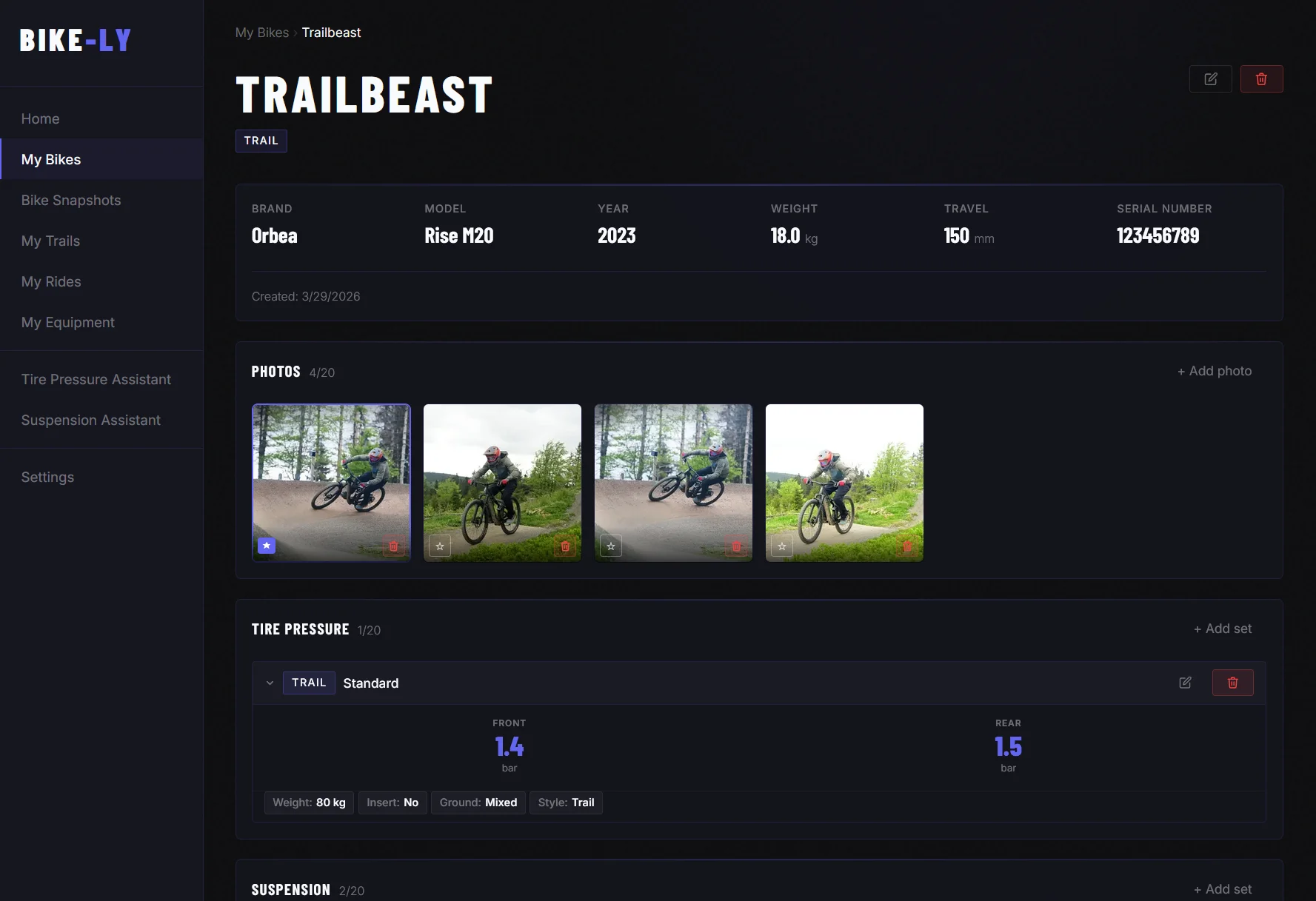
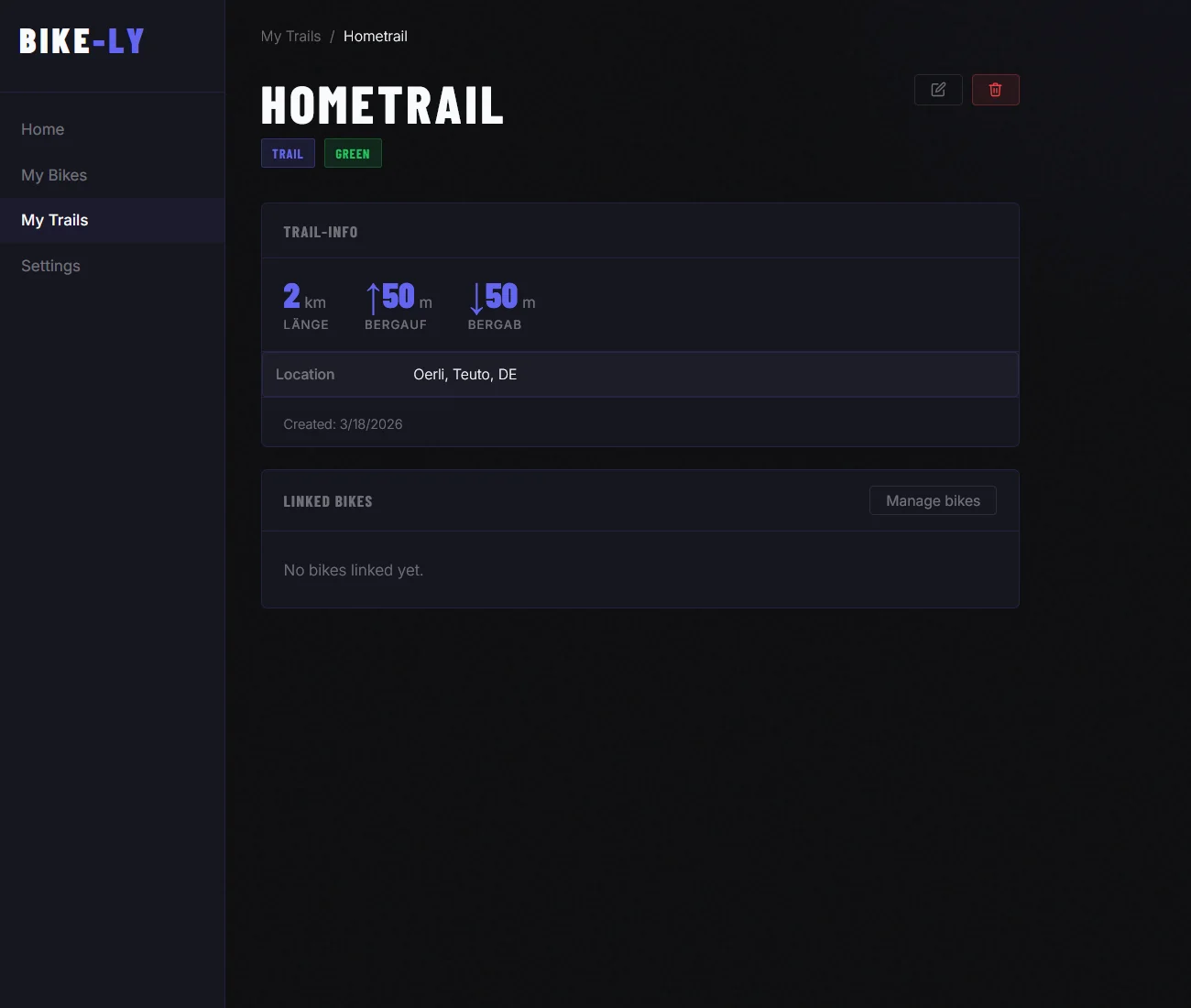
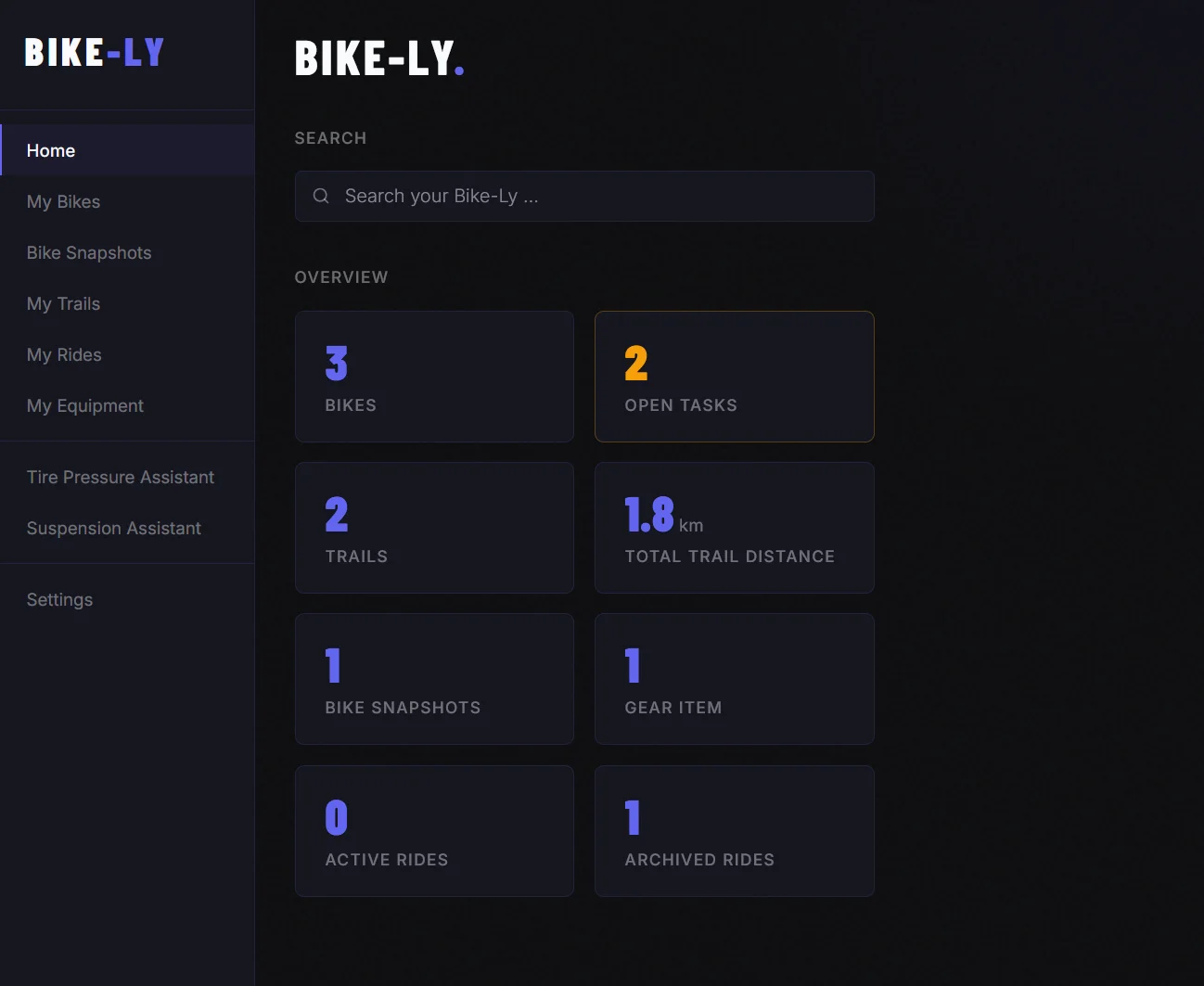
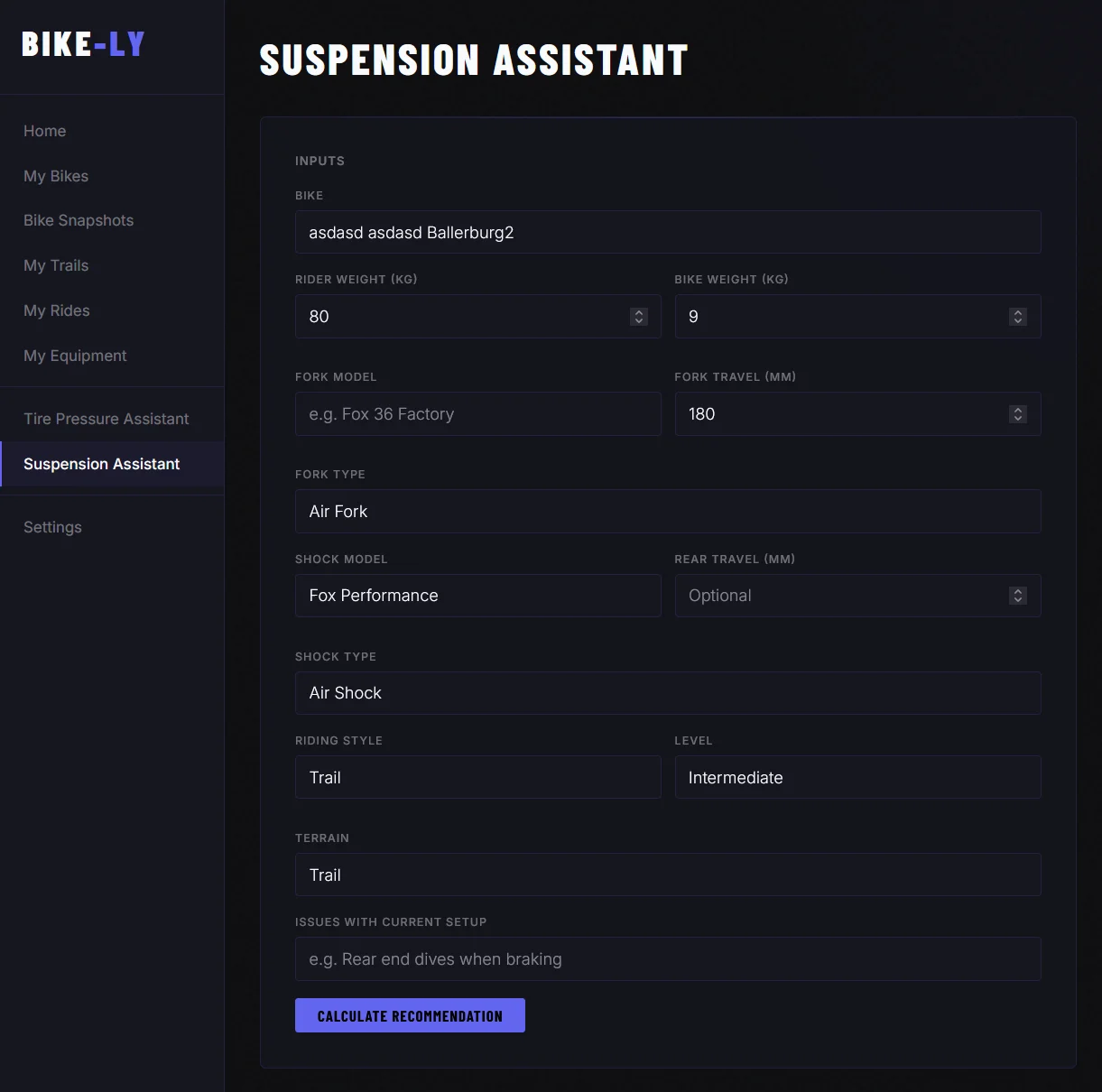
What you can do with Rytracks
My Bikes
Your bike, fully documented. Record weight, travel, suspension settings, tire pressure sets and maintenance history. Upload photos and build a photo gallery of your bike — all the information you need, always at your fingertips.
Open App →Bike Snapshots
Freeze the current state of your bike — all settings, components, tire pressure and custom fields in one quick overview. Keep different setups for different trails and come back to them at any time.
Open App →My Trails
Document your favourite trails with all the important details. Upload GPX or TCX files — Rytracks automatically calculates distance and elevation gain and displays the trail on an interactive map. Link trails to your bikes and keep everything organised.
Open App →My Gear
Keep track of all your gear — from helmets and protection to clothing, tools and electronics. Everything in one place so you always know what you have.
Open App →Global Search
Find anything instantly — bikes, trails, parts, maintenance records or gear. The smart search understands your language and finds the right result even when data is stored in English.
Open App →My Rides
Plan rides, invite friends by email and keep track of all participants. Link trails, bikes and gear to a ride — so you always know what to pack. After the ride, all participants can leave a rating.
Open App →Tyre Pressure Assistant
Calculate your optimal tyre pressure in seconds. Enter your body weight, tyre size, terrain and weather — Rytracks recommends the ideal pressure for front and rear tyre, in bar and PSI.
Open App →Suspension Assistant
AI-powered suspension tuning for your exact setup. Enter your weight, fork and shock model, riding style and terrain — the assistant calculates air pressure, sag, rebound and compression tailored to your bike.
Open App →Offline Mode
Rytracks works without a connection. Your bikes, trails, snapshots and settings are available offline — automatically cached when the app starts. Perfect on the trail where signal is weak.
Open App →Latest News
bike-ly becomes RyTracks — and there's a lot that's new
The app has a new name, a new home and a whole range of new features. Here's everything at a glance.
Read more →New: Offline Mode
RyTracks now works without a connection. Your bikes, trails, snapshots and settings are available offline — automatically cached when the app starts.
Read more →New: Suspension Assistant
The new Suspension Assistant uses AI to calculate optimal fork and shock settings — tailored to your weight, your exact components and your riding style.
Read more →Frequently Asked Questions
Is RyTracks free?
Yes, RyTracks is free to use. You can sign up and get started at any time. Since running RyTracks comes with costs, we appreciate voluntary donations to support the development and maintenance of the app. We may also introduce paid premium features or display ads in the future to cover costs. But don't worry — the core features of RyTracks will always remain free.
I just want to ride and not manage lots of data — can I still use RyTracks?
Absolutely. You decide how much detail you want to maintain. You can use RyTracks simply to plan your trails and upcoming rides — solo or with friends — without tracking any other data.
Which devices does RyTracks support?
RyTracks is a Progressive Web App (PWA) that runs directly in your browser — on iPhone, Android and desktop. No app store, no download required. Just open the site, add it to your home screen and you are good to go. You can find a step-by-step guide under Docs.
I found a bug — what should I do?
If you find a bug, we would love to hear from you! Please use the contact form on this website. The more details you can provide (e.g. which page, which browser, what exactly happened), the easier it is for us to reproduce and fix the issue. Thank you for your support!
I would like to support RyTracks — how can I help?
We appreciate every bit of support! You can help us by giving feedback, reporting bugs or simply recommending the app to others. Of course, donations to support the development and maintenance of RyTracks are always welcome too. Thank you for your interest and support!
Is RyTracks Open Source?
No, RyTracks is currently not open source. We have decided to keep the source code private in order to retain control over the development and maintenance of the app. We do understand and appreciate the benefits of open source, however, and may reconsider this decision in the future.
How can I stay informed about updates and new features?
We have an RSS feed and a news blog — feel free to check back every now and then for the latest updates. A newsletter is also coming soon, so you can get notified directly in your inbox whenever something new drops. We will also be using social media to share news, so stay tuned!