My Rides
With My Rides you can plan rides, invite friends and organise everything around your next outing. Link trails, bikes, bike snapshots and gear — so you always know what to pack.
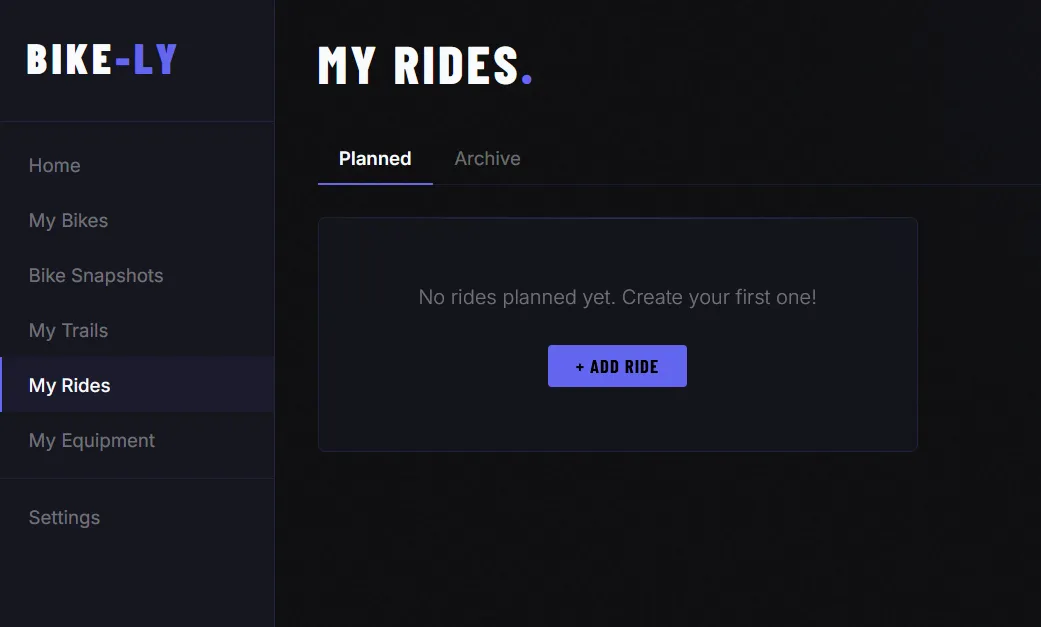
Create a ride
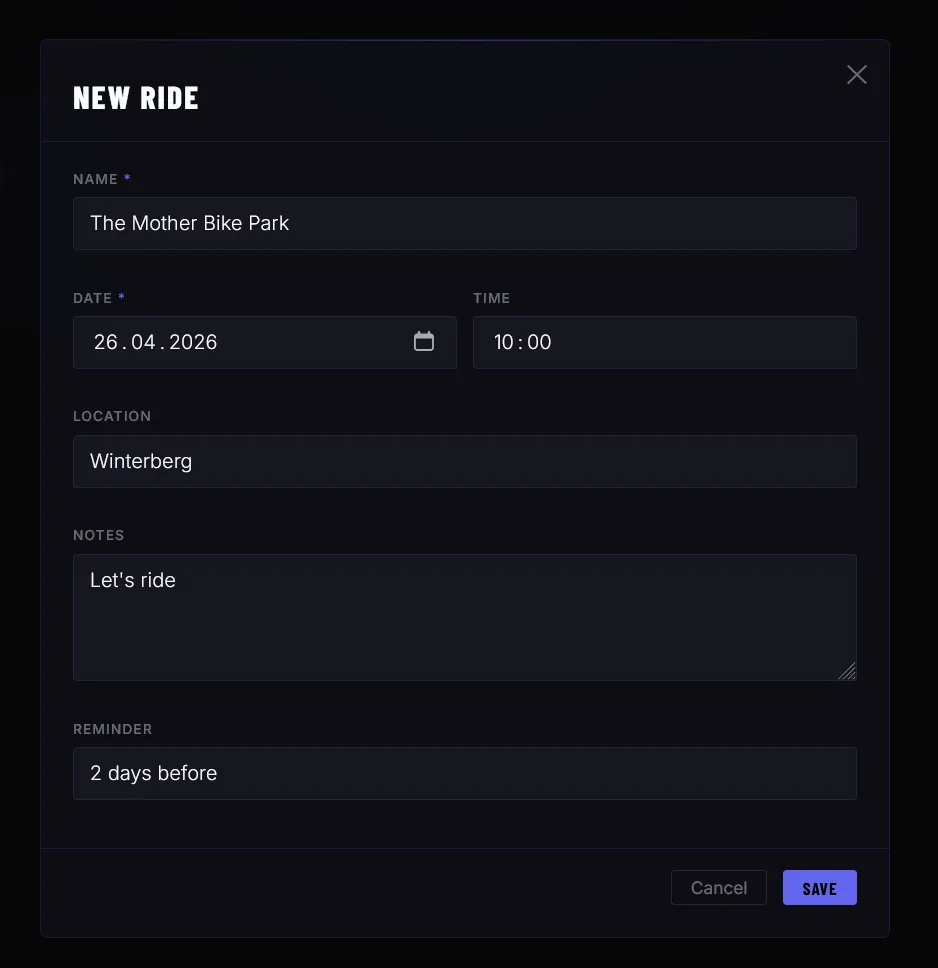
Under My Rides you can create a new ride. The following fields are available:
- Name — required
- Date and time — when the ride takes place
- Location — optional meeting point
- Notes — free text, e.g. information for participants
- Reminder — optional: RyTracks will send you a push notification 1 hour, 3 hours, 12 hours, 24 hours or 48 hours before the ride
Overview
The overview shows all your planned and past rides at a glance.
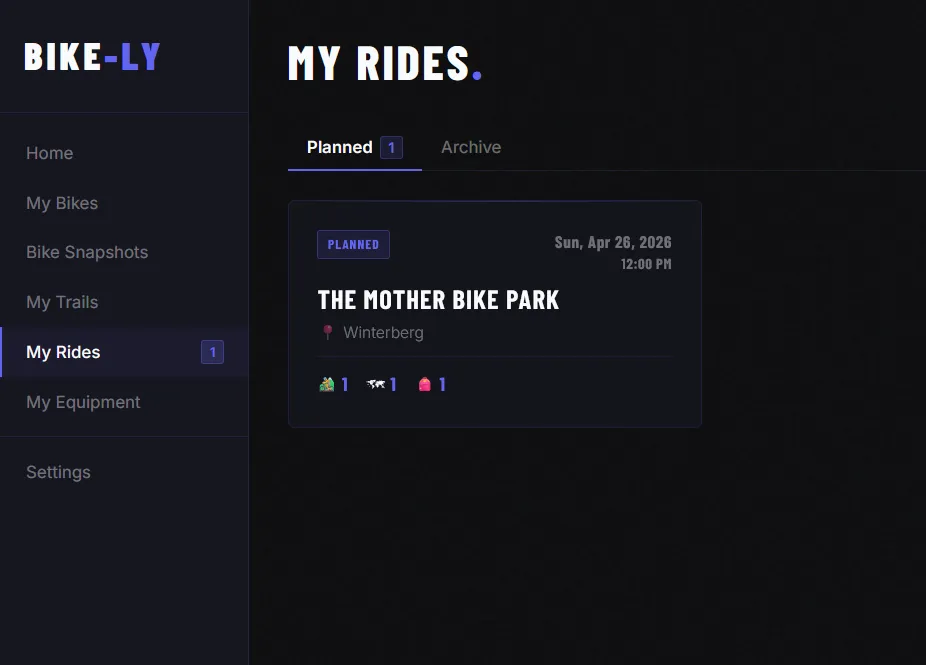
Click on a ride to see the details and add more information.
Link trails, bikes, snapshots & gear
On the ride detail page you can add the following links:
- Trails — one or more trails you plan to ride; the route is shown as a mini map
- Bikes — which bike you are bringing
- Bike Snapshots — a saved setup snapshot for the ride
- Gear — items from your gear list
All links can be removed at any time.
Pack your gear
Once gear is linked to a ride, you can mark each item as packed. This way you keep track and never forget anything.
Invite participants
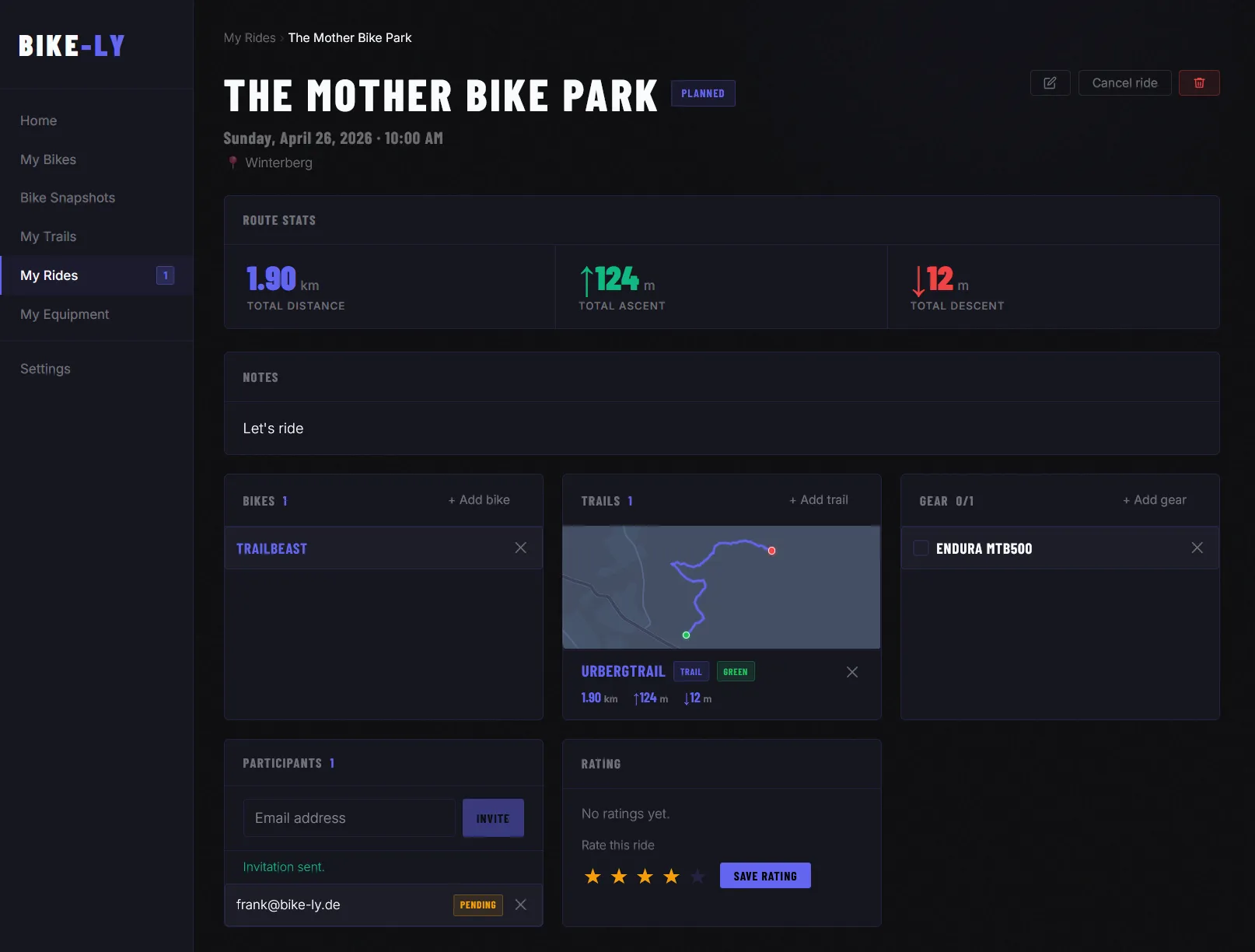
You can invite other people to your ride by email. The invited person receives an email with a link to accept or decline the invitation — no RyTracks account required.
The status of each invitation is shown in the participant list:
| Status | Meaning |
|---|---|
| Pending | Invitation sent, no reply yet |
| Accepted | Participation confirmed |
| Declined | Invitation declined |
You can revoke invitations at any time.
Status
The status of a ride can be changed when editing:
- Planned — ride is upcoming
- Completed — ride has taken place
- Cancelled — ride was called off
Cancel a ride
As the organiser you can cancel a planned ride. All participants who accepted the invitation will automatically be notified by email.
Delete a ride
As the organiser you can permanently delete a ride. All linked data and invitations will be removed.
Leave a ride
As a participant (not the organiser) you can leave a ride. You will then be removed from the participant list.
Rating
After the ride, all participants can rate it with 1–5 stars. The average rating is displayed in the ride overview. A submitted rating can be deleted afterwards.
Missing something? New feature? More data?
Are you missing important data or do you have an idea for a new feature? Feel free to get in touch — we are actively developing RyTracks and welcome suggestions, ideas and feedback. Use the contact form to share your thoughts.