Export from Other Apps / Sources
You can import data from other apps such as Strava, Garmin or Komoot. Here are the relevant guides:
Komoot
You can find a guide for exporting your routes from Komoot here:
Export and import routes and tours
Strava
Here you can find the guide for exporting your data from Strava:
Garmin
Use this guide to export data from Garmin:
Exporting an Activity from Garmin Connect
Apple iOS (iPhone)
The iOS app GPX Export can be used to export GPX data from Apple Fitness on iOS devices:
GPX Export on the Apple App Store
Android
The Android app gexporter can export GPX data:
Other Apps
RyTracks does not currently offer automatic import from third-party apps. However, you can import GPX or TCX files from any app that supports data export.
Import into RyTracks
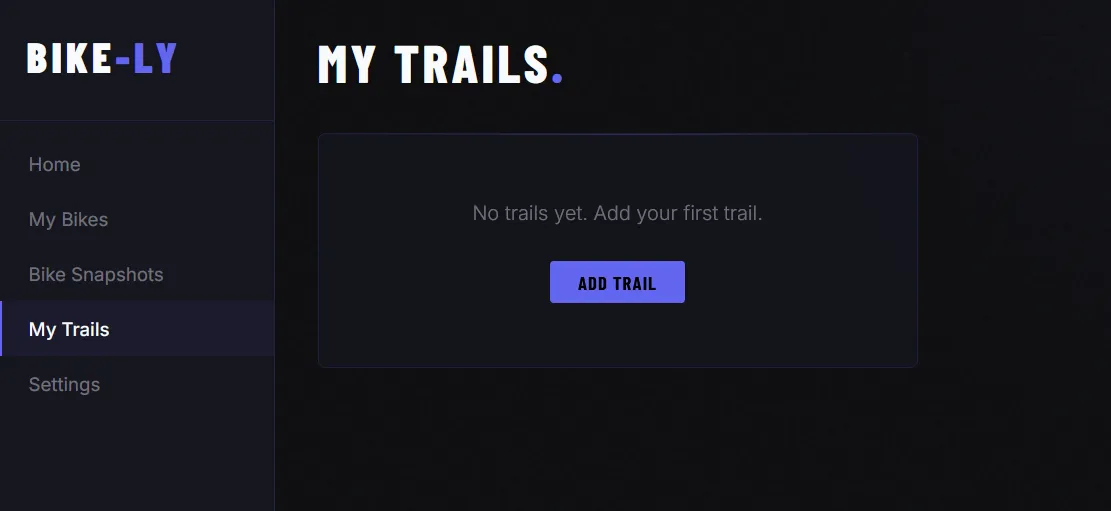
You can import GPX and TCX files into RyTracks. To do so, first create a new trail under My Trails.
Once you have created a trail, you can upload the file under GPS Track:
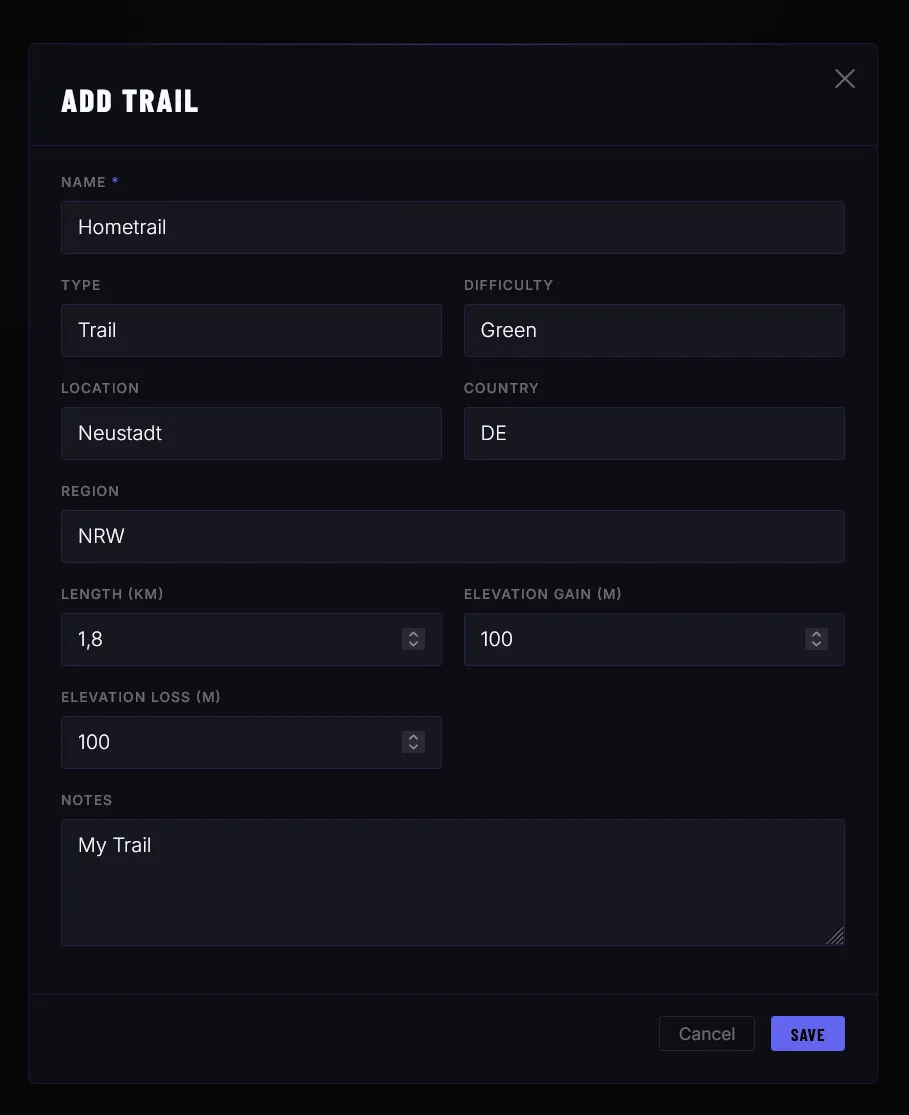
Additional data will be calculated automatically.